Language:
 
 
Pages:
  
1.Welcome
 
What's New
Language Interface
User Interface
2.Recording your PC Screen
3.Application Settings
4.Custom File Format
5.Screen Recording Options
6.Video Tools
7.Publishing and Distributing
8.Automate your Recordings
9.Helpful Tips
10.Having Trouble Adding Files for Conversion?
11.Resources
 

My Screen Recorder Pro 5.32


Language Interface

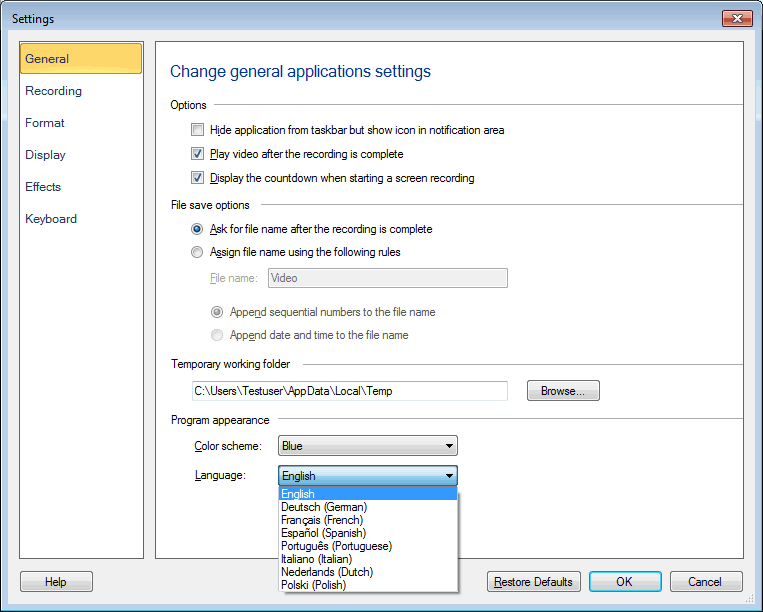
The application interface can be displayed in the following languages:

  • English
  • German
  • French
  • Spanish
  • Portuguese
  • Italian
  • Dutch
  • Polish

To change the language, Click Settings >> General and select a language from the Language dropdown.


Copyright © DeskShare Incorporated.  All rights reserved.